An AI assistant can give a neat, confident answer in seconds. That speed is useful, but it can also make an unsupported answer feel ready to use. If the answer will shape a customer message, a security decision or a contract, the important question is simple: where did it get that information?
A citation is a starting point, not proof. AI systems can produce incorrect claims and even references that appear credible. The NIST Generative AI Profile identifies confidently false content, including false citations, as a risk. OWASP's guidance on misinformation also recommends cross-checking important outputs and keeping human oversight.
Start with the decision, not the answer
Verification should match the consequence of being wrong. A rough outline for an internal meeting needs a lighter check than an answer that will be sent to a client, used to approve a payment or relied on to change system access.
Before asking an assistant to produce a final recommendation, decide:
- What decision will this answer support?
- Which sources are authoritative for that decision?
- Who must review it before anyone acts?
- What would happen if a key statement is wrong or out of date?
This gives the reviewer a clear test. “Looks plausible” is not one.
Follow each important claim back to its source
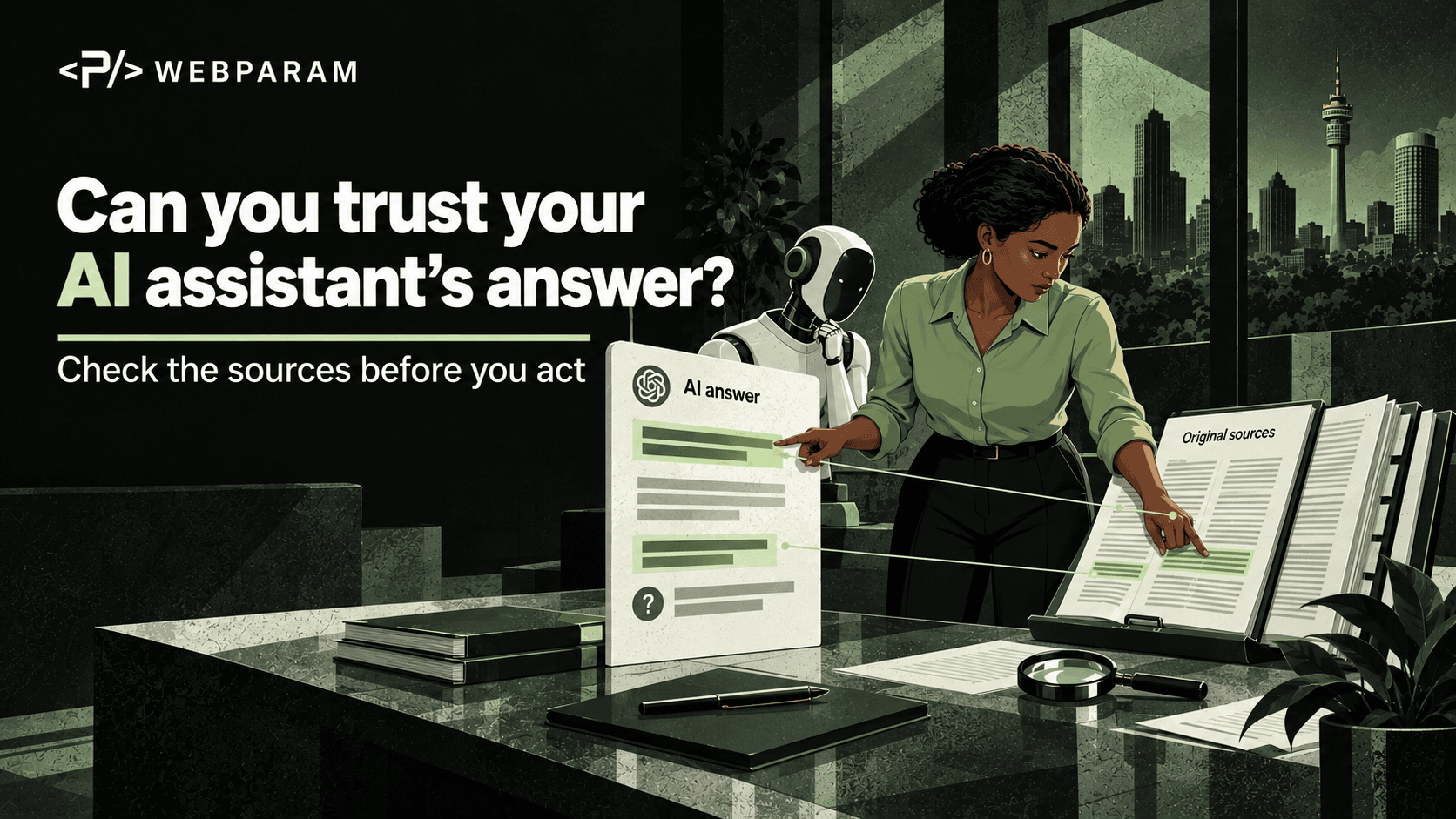
Ask the assistant to identify the document, page or record behind each material claim. Then open that source yourself. Check whether it exists, whether it says what the answer claims, and whether it is the current version.
For example, an assistant might say that a supplier passed its latest security review. The linked file may be last year's questionnaire, a draft awaiting sign-off or a review of a different supplier. The citation can be real while the conclusion is still wrong.
For an important answer, make a small claim-to-source table:
| Claim | Original source | Date and version | Reviewer |
|---|---|---|---|
| Supplier has current approval | Signed review record | Current review cycle | Procurement owner |
| Customer data is retained for 30 days | Approved policy | Current policy version | Data owner |
| A control is enabled | System configuration or test result | Checked today | System owner |
If a claim has no suitable source, label it unverified. Do not let a tidy paragraph conceal that gap.
Check whether the source belongs in the task
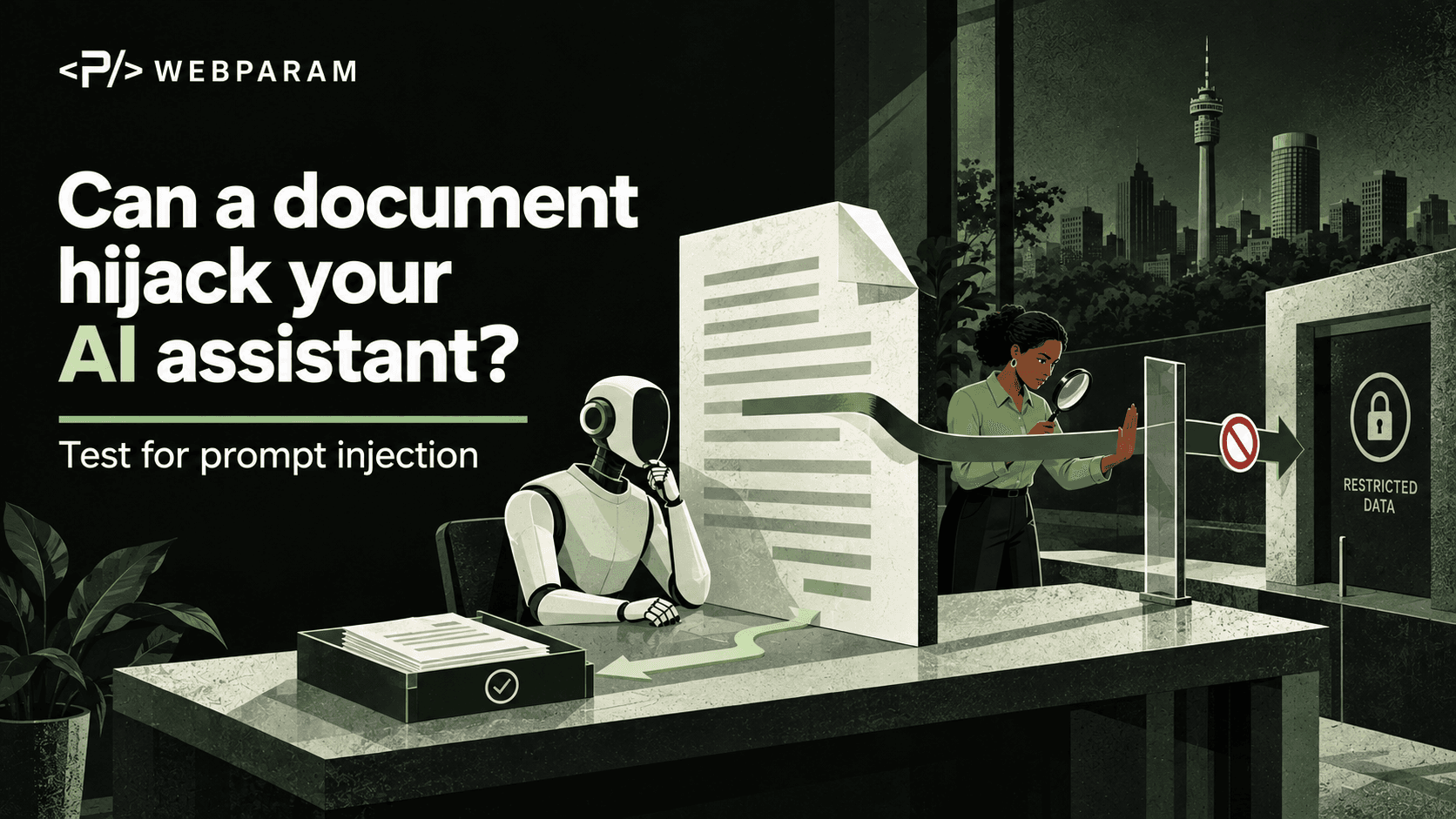
A retrieved document can be relevant without being trustworthy. It may be an old copy, a customer-provided file, an unapproved draft or content planted by an attacker. A separate risk is prompt injection: instructions hidden in a document can try to redirect the assistant.
Treat retrieved text as evidence to evaluate, not as authority to change the assistant's instructions or your workflow. If a document tells the assistant to ignore company policy, reveal data or send information elsewhere, stop and investigate the document. The document's words do not grant permission.
Give the assistant a safer job
Instead of asking, “What should we do?”, ask it to produce a reviewable working note:
- Summarise the question and list the sources it used.
- Separate statements directly supported by those sources from assumptions and suggestions.
- Quote only short, relevant excerpts so a reviewer can find the passage quickly.
- Flag missing evidence, conflicting sources and dates that need checking.
- Leave the final decision to the named human owner.
This makes uncertainty visible. It also helps a reviewer catch a confident answer built on weak evidence.
Build a simple sign-off rule
Write down which uses of AI need human approval. Customer commitments, legal or regulatory interpretations, financial decisions, security changes and personal-data disclosures deserve a named reviewer with access to the original records. The reviewer should be able to reject the output, request more evidence and record the final basis for the decision.
NIST's AI Risk Management Framework calls for understanding a system's knowledge limits and defining human oversight. In everyday work, that means a clear hand-off: the assistant helps find and organise information; an accountable person verifies consequential claims before action.
A ten-minute check you can run today
Take one recent AI-generated answer that your team used for work. Pick its three most important claims. Open the original sources and check the wording, date and approval status. Record anything unsupported or outdated. Then decide whether your team needs a source requirement or sign-off rule for that kind of task.
The aim is not to slow every answer down. It is to know when a fast answer needs a second look.