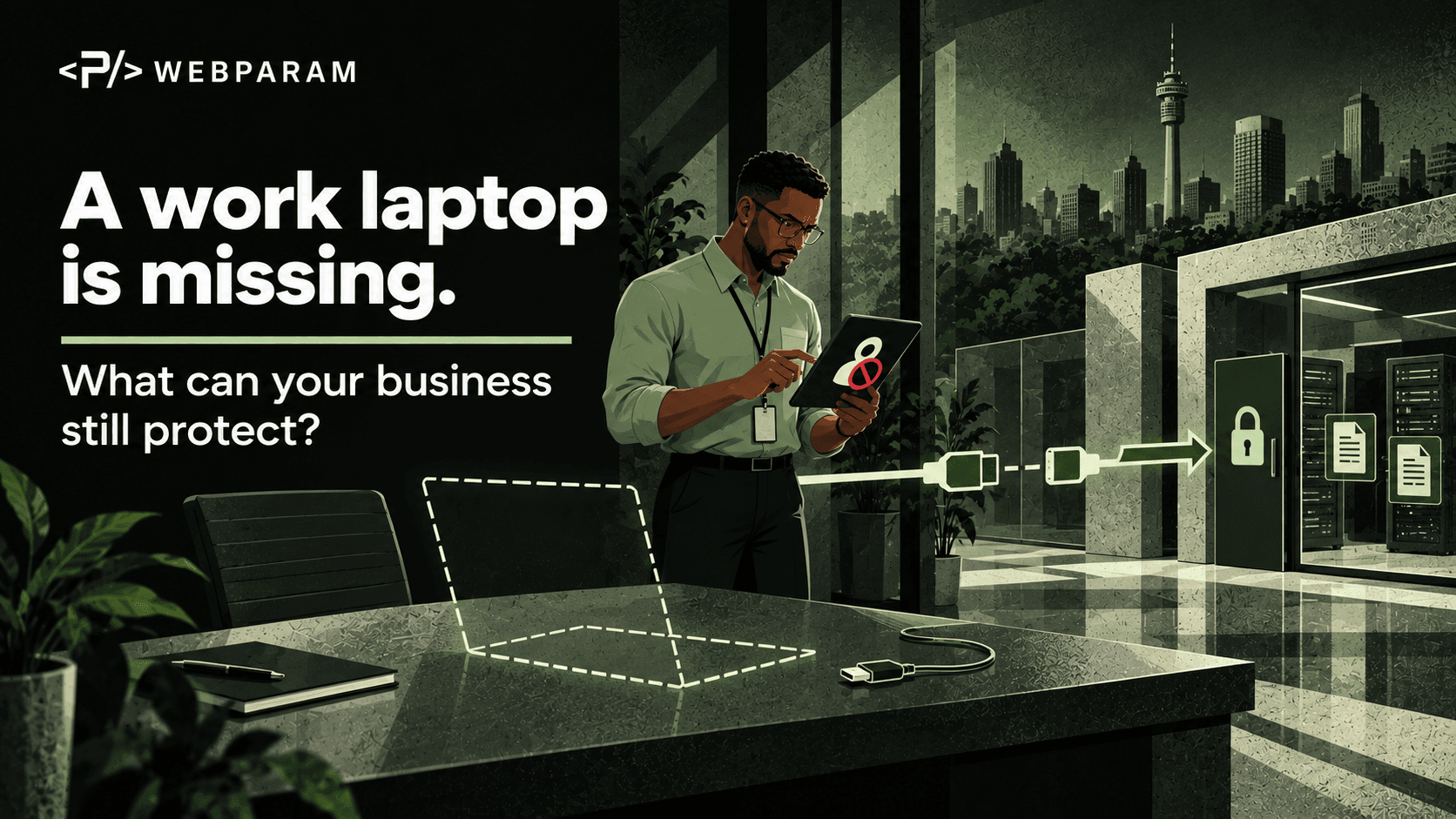
Imagine this: a team member leaves a work laptop in a taxi. It has access to email, shared files and customer systems. The first question is not whether the laptop can be replaced. It is what the device could still reach, and who can cut off that access.
A missing laptop does not automatically mean data has been exposed. Its risk depends on factors such as encryption, screen lock, local files, saved credentials and active sessions. A prepared team can check those facts and act quickly.
First: report it and preserve the facts
The employee should tell the IT or security contact immediately, even if they hope the laptop will turn up. The UK National Cyber Security Centre's end-user guidance specifically recommends reporting a lost or stolen device to the IT helpdesk at once.
Capture the device name, owner, last known location, time it went missing and whether it was powered on or unlocked. Note any recent suspicious messages or sign-in prompts. Keep the report factual; do not guess that data was taken.
Next: contain device and account access
The device administrator should confirm whether the laptop is enrolled in management and whether full-disk encryption was enabled. Depending on the platform and ownership, the team may be able to lock it, remove company data or wipe it remotely. Those commands are useful, but they need the device to connect again before they take effect. Microsoft's emergency access guidance makes that limitation clear for managed devices.
A wipe is consequential and may remove evidence or data that cannot be recovered. Have the responsible administrator choose the action that fits the device and incident, and record what was requested and whether the service confirms completion.
At the same time, review the user's cloud access. Revoke relevant sign-in sessions, disable the missing device where your identity system supports that, and rotate credentials that may have been stored or exposed. Include third-party applications that maintain their own sessions. A password change or central account revocation may not immediately end every application session; Microsoft documents that application session behaviour varies. Confirm which services need separate action.
Work out what was actually at risk
A useful inventory answers five questions:
- Was the disk encrypted and the screen locked?
- Were sensitive files stored locally, or was data available only after signing in?
- Which business accounts, browsers and apps had active sessions?
- Were recovery keys, API keys or passwords saved on the device?
- What do device and account logs show after the time of loss?
Treat an offline laptop as potentially still holding its local data. A pending remote command is not proof that the data is gone. If your logs show unusual access, escalate the incident and investigate the affected accounts and records. If personal or client data may be involved, have the right internal owner assess any contractual or legal notification duties.
Keep the business moving
Provide a replacement device from a known, managed setup. Restore approved files from company systems or backups. Verify that the employee can work again without reopening the missing device's access. The recovery plan should cover both sides of the incident: protecting information and restoring the person's ability to work.
This is the same habit behind a good ransomware recovery drill: know what must be restored, who owns each step and how you will prove recovery worked.
Run a short lost-device drill
You do not need to lose a laptop to test your response. Pick a test device and walk through the first hour:
- Can the employee find the reporting contact immediately?
- Can IT identify the device, encryption status and last check-in?
- Can the identity team identify and end the relevant sessions?
- Can the business list the data and services the device could reach?
- Can a replacement be issued and work restored?
Record the gaps and assign owners. A simple drill will reveal whether your device inventory, account controls and recovery process work together.
The goal is a calm response based on evidence. When a laptop goes missing, minutes matter; preparation determines whether those minutes are spent acting or searching for instructions.