WebParam perspective | October 2026
An employee gets an AI assistant to summarise customer enquiries. The pilot works, so the team connects it to a shared drive and a helpdesk. Months later, a contractor leaves, another employee changes roles and the original integration still has broad access.
Nothing dramatic has to happen for the arrangement to become risky. Permissions can outlive the work they were granted for. Cybersecurity Awareness Month is a good moment to ask: who can use the tool, what can it reach and who can change those answers?
This article focuses on access. A companion WebParam article covers the broader question of where data travels when an AI tool processes it. [1]
Draw the access map
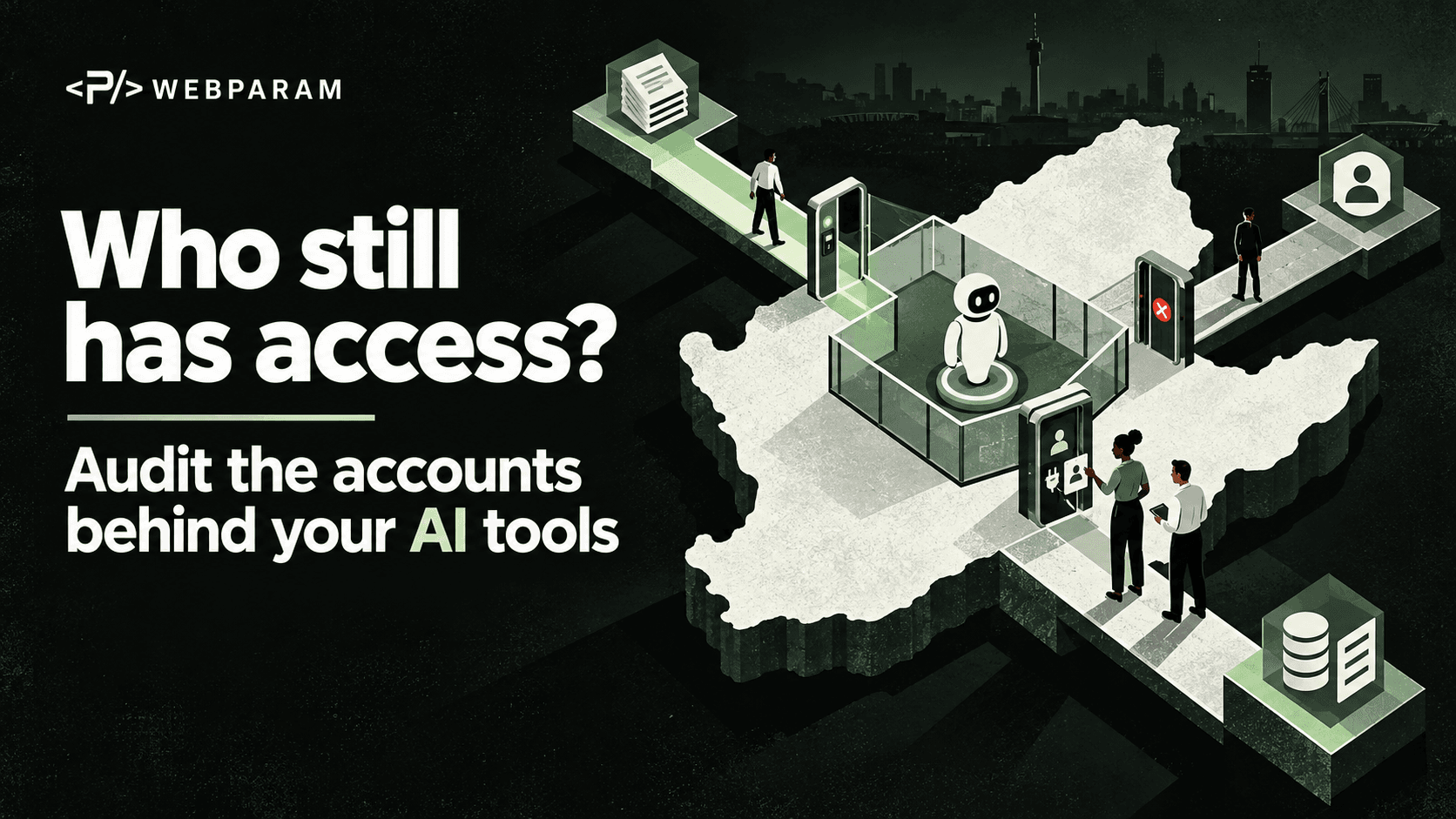
Start with one AI workflow that the business already uses or plans to pilot. List the people and service accounts involved, the applications they enter, the data sources they can read, and the actions they can take. Include the account that connects the AI tool to other systems; it may have more reach than any individual user.
Ask the system owner to demonstrate the permissions rather than relying on a project brief. A connector labelled “customer support” might be able to read every folder in the workspace. A test account may still have administrator rights. A former contractor may retain a personal login or an API key.
For each account, record a name, owner, purpose, access level, last review date and expiry or removal trigger. Mark accounts whose owner is unknown. These are the first ones to investigate, not an excuse to delete them blindly if they may support a live service.
Give each account only the access its job needs
Least privilege means granting the permissions necessary for a defined task, then removing them when the task changes. NIST recommends limiting access to the systems and information people need for their work, and reviewing privileges to confirm they are still necessary. [2]
For an AI assistant, separate “can read a document” from “can send a message”, “can edit a record” and “can approve a transaction”. If the use case is summarising enquiries, a read-only connection to a limited queue may be enough. Broad access to every mailbox or customer record needs a reason that the owner can explain.
Where the system supports it, use a dedicated account for each integration, with a clear owner and limited permissions. Avoid using a person's administrator account as an invisible service account. That makes it harder to see what the integration did and harder to retire it safely when the person leaves.
Protect the accounts that change the rules
Administrator accounts can add users, change permissions and sometimes remove records or backups. The UK National Cyber Security Centre advises limiting who receives admin rights, protecting those accounts with two-step verification, and using a normal account for everyday work. [3]
Require multifactor authentication for the AI platform, the identity provider, connected data stores and remote administration where available. CISA recommends starting with admin accounts and people handling sensitive data, and using phishing-resistant methods where possible. [4] MFA does not replace an access review: it helps protect an account, but it does not make excessive permissions appropriate.
Check recovery routes as well. The business should know who can regain an admin account if its usual owner is unavailable, without keeping a shared password in an unprotected document.
Make role changes visible to the system owner
Access reviews should follow the employee lifecycle. A person joining a team may need limited permissions; a person changing roles may need old permissions removed; a departing employee or supplier should lose access promptly. NCSC guidance specifically calls out revoking accounts when staff leave or move roles, especially admin accounts. [3]
Give HR, procurement and the system owner a simple handoff. When a role or contract changes, the owner receives a list of accounts and integrations to check. Remove or disable access that is no longer needed, revoke outstanding sessions or tokens where supported, and rotate shared secrets that the person knew. Confirm that a service account will still run before removing it.
Do not stop at the main AI application's user list. Check connected storage, CRM and helpdesk permissions, API keys, scheduled jobs, shared folders and external collaborators. The person may be gone from one system while their access remains active in another.
Review what the assistant can do after launch
Permissions are not a one-time setup task. A new feature, plugin or integration can expand an assistant's reach. Review the access map when a workflow changes and at an agreed regular interval. Compare the permission list with the real job the system performs.
Test from a normal user's account. Can the assistant retrieve a document that user should not see? Can it send, alter or delete something without the intended approval? If the answer is yes, narrow the connector's scope or add a control before expanding the use case.
Keep a record of the review: what was checked, which access was removed, which exception was accepted, who approved it and when it expires. The aim is an accountable decision, not a long spreadsheet that nobody updates.
One useful action this October
Choose the AI workflow with the most valuable data or the broadest integration. Ask its owner to show the access map and perform one real permission review. Fix the stale accounts first, protect privileged accounts and set a date to test the workflow from an ordinary user's view.
At WebParam, we would use that review to define safer permissions, clearer ownership and practical approvals around a specific workflow. Secure AI is easier to manage when every person and integration has a known purpose, a limited reach and a clear way out.